Stackabout
Build freely.
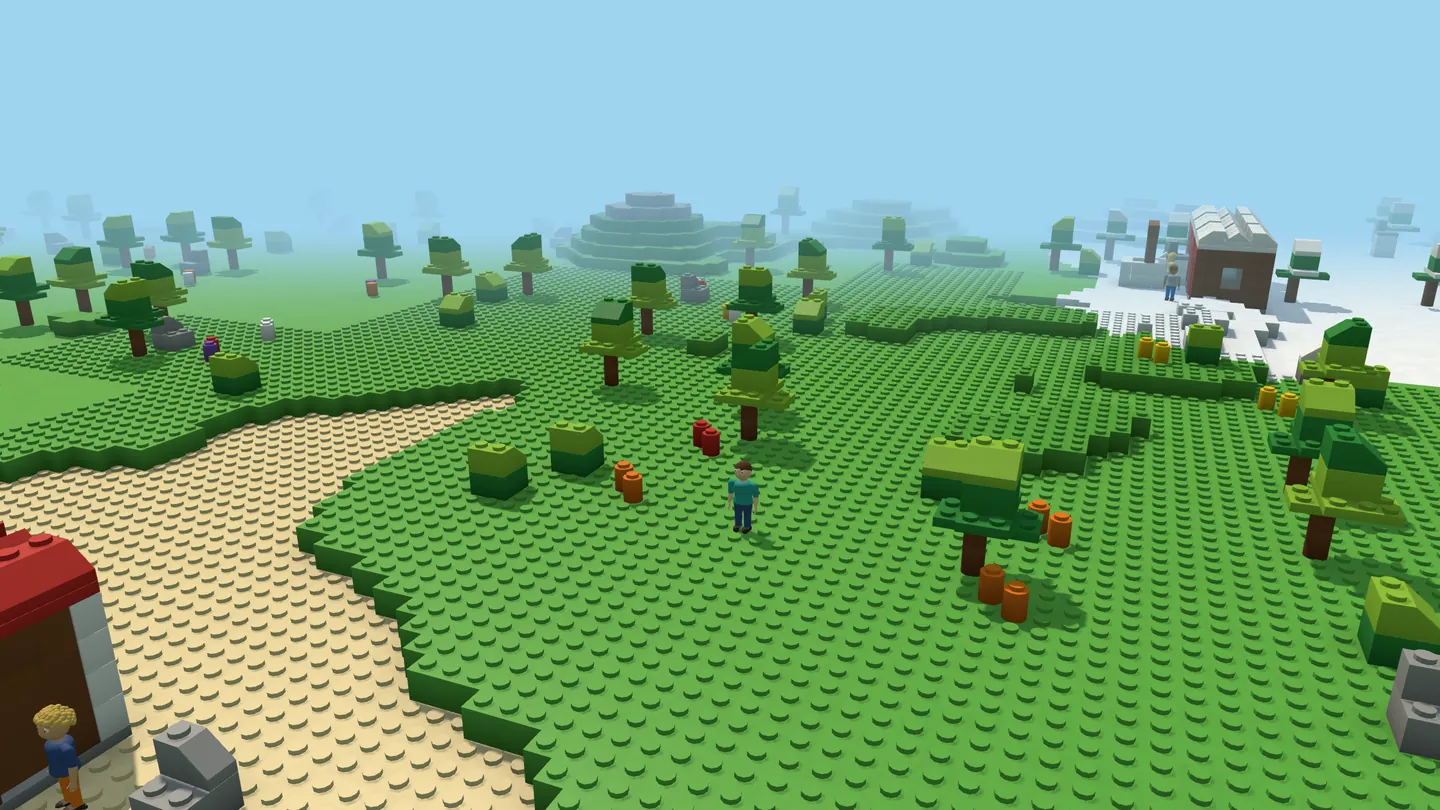
Build a house, then a street, then a whole town. Drive the car you built. Sail the boat you built. Then set out on an Endless world and find the villages.
Free in your browser.Free, in your browser, soon. Phone, tablet or computer. No download, no account.
A box of bricks with a world around it
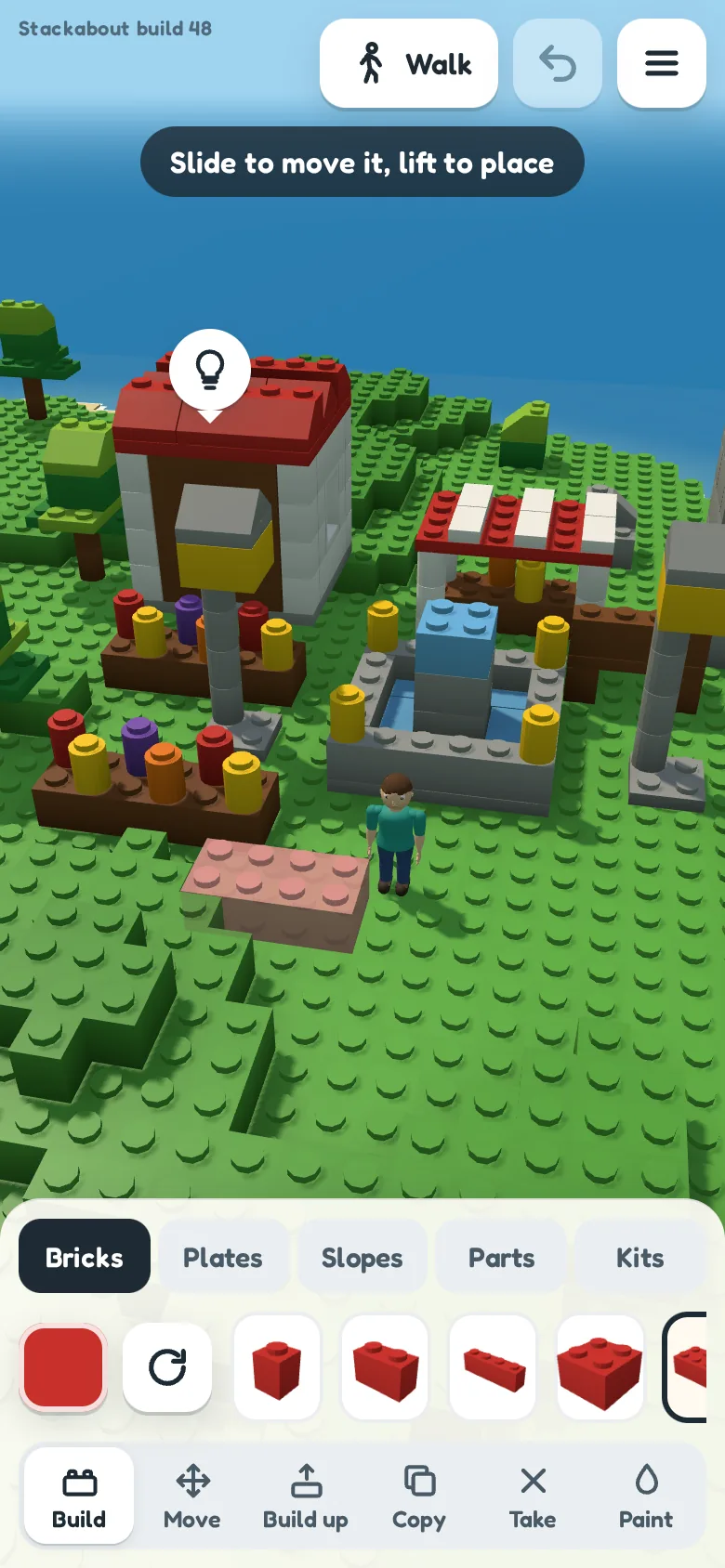
Pick a piece, touch the ground and it's there. Stack it, slide it, paint it. Then walk your figure through what you made: doors open as you reach them, lights glow when you bring on the night, and anything on two or more wheels is yours to drive.
- Build by touch
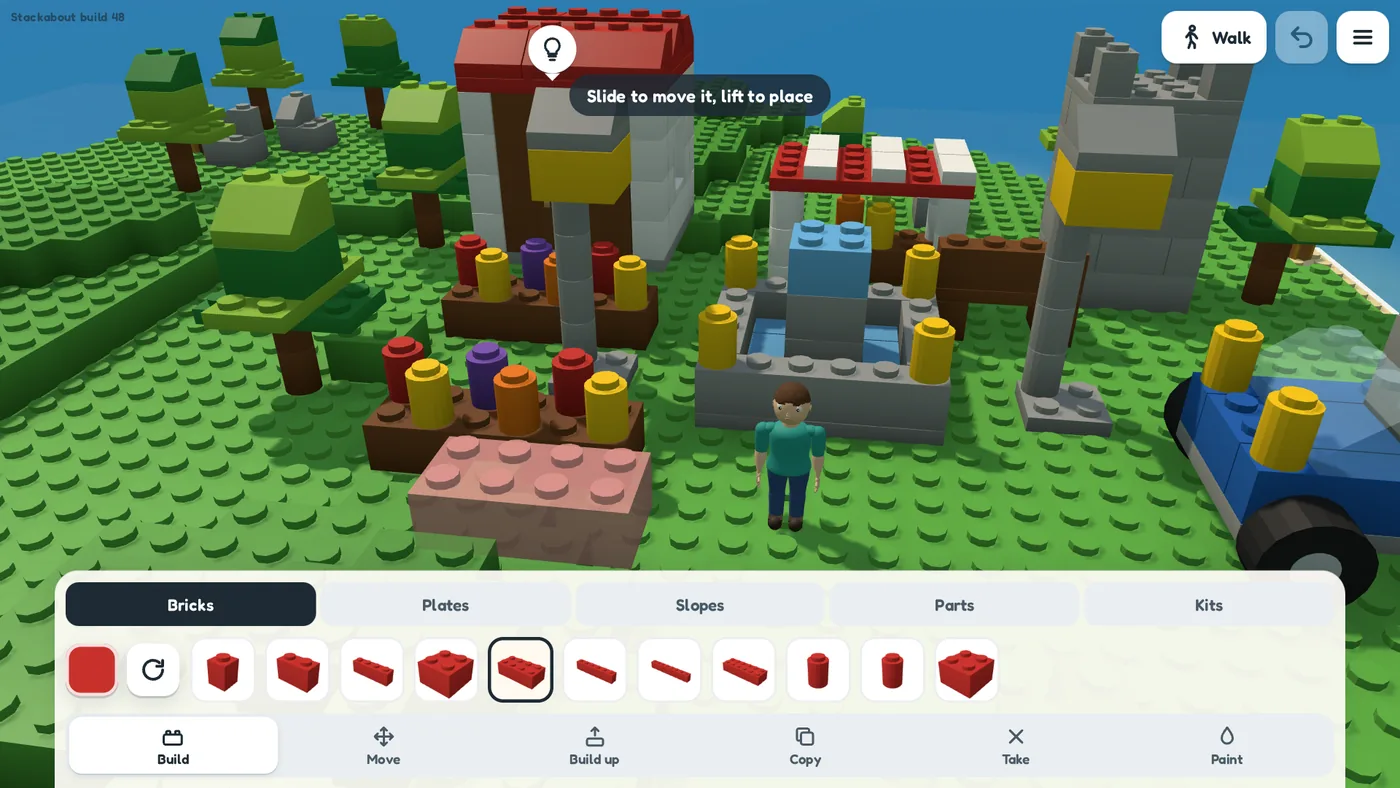
- Bricks, plates, slopes, roofs, windows, doors, arches, fences, lights and wheels, in bright colours and clear glass. Touch and hold to slide a piece exactly where you want it.
- Tools that save the fiddly bits
- Build up lays the next row, staggered like real brickwork. Copy picks up a whole build to place again, and Keep as a kit keeps it for every world.
- Ready-made kits
- A house, a market stall, a fountain, a castle tower, a bridge, trees, a car, a truck and a boat. Every kit is ordinary pieces, so you can take it apart.
- Drive it, sail it
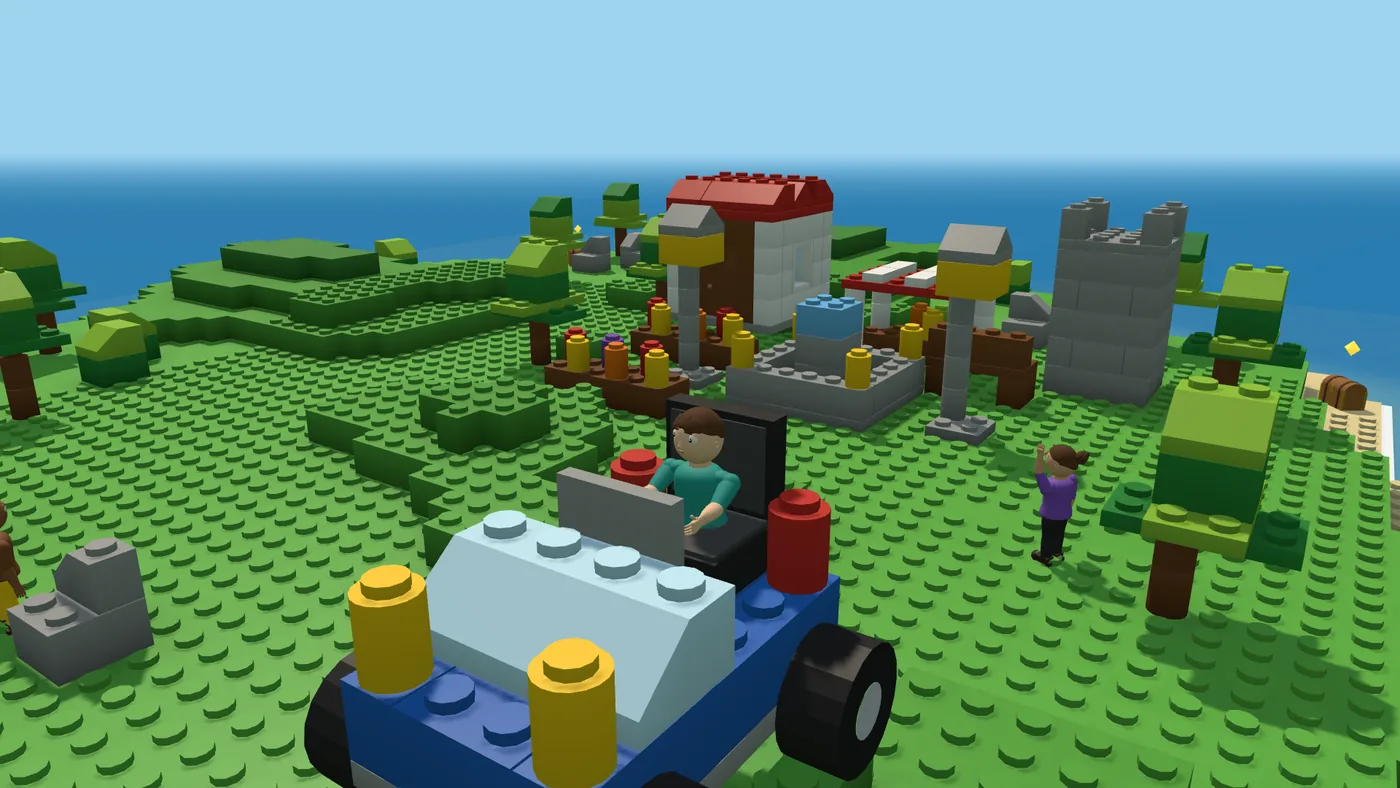
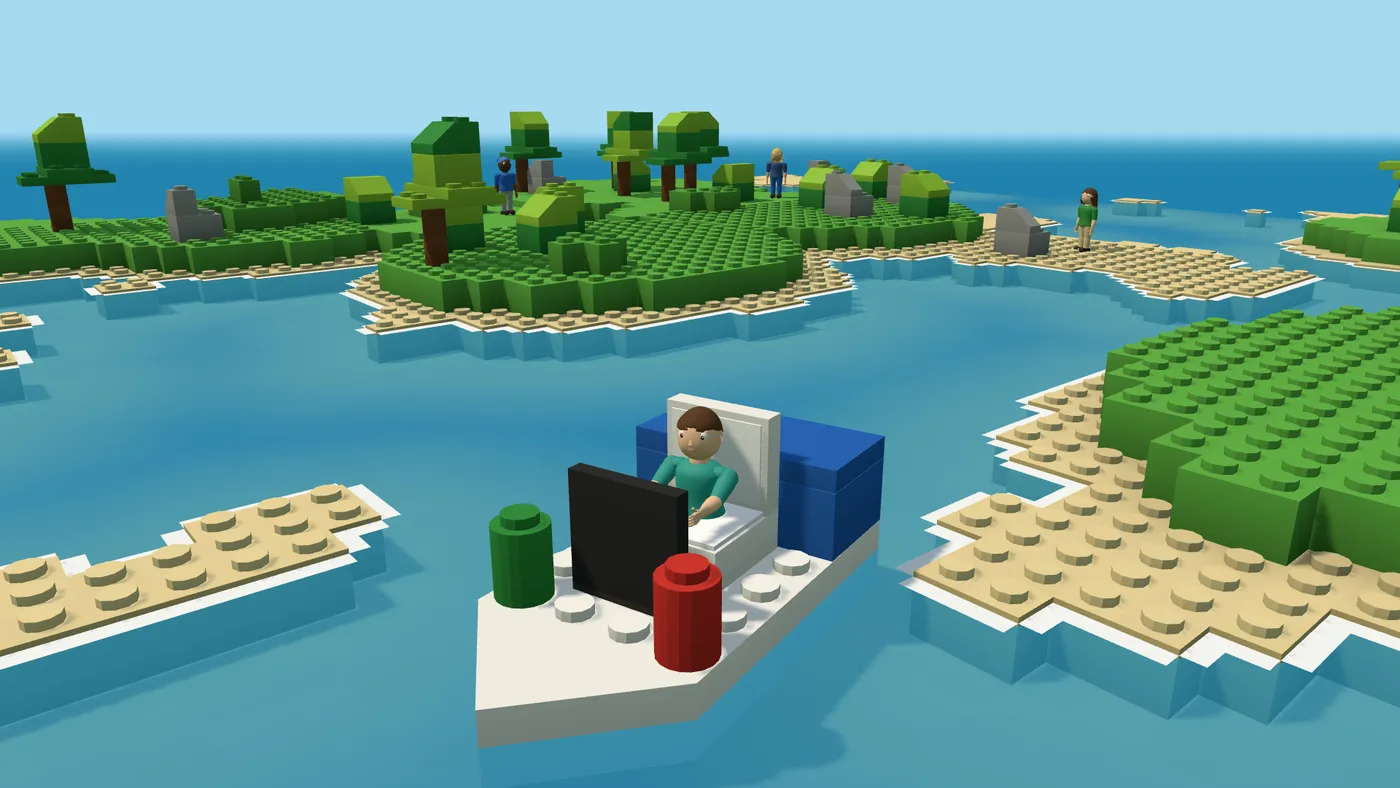
- Put two or more wheels under a build and steer it any way you like. Add a seat to ride in and a steering wheel that turns as you steer. A boat hull floats: wade out to your boat and sail it across the water.
- Day into night
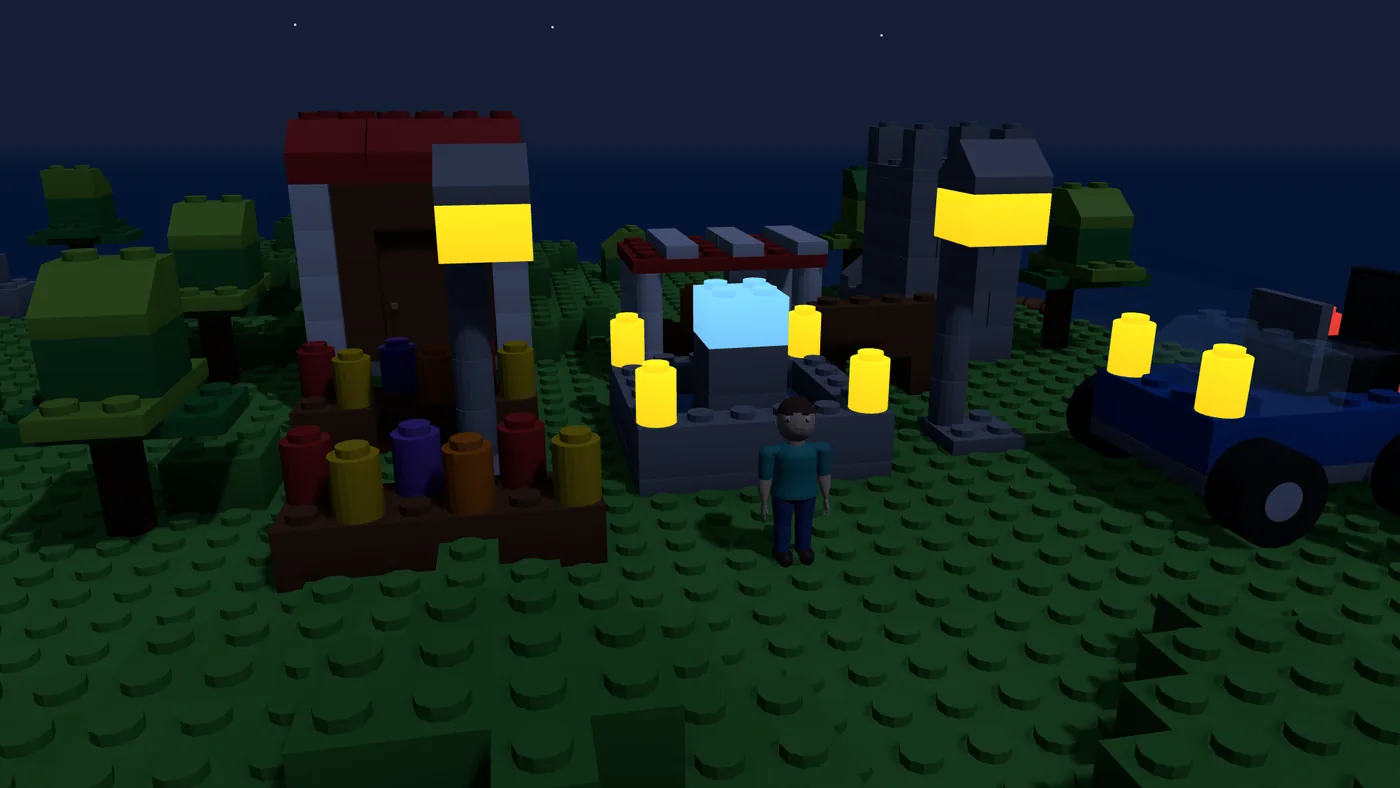
- Bring on evening, then night, and every light you placed starts to glow.
- A figure of your own
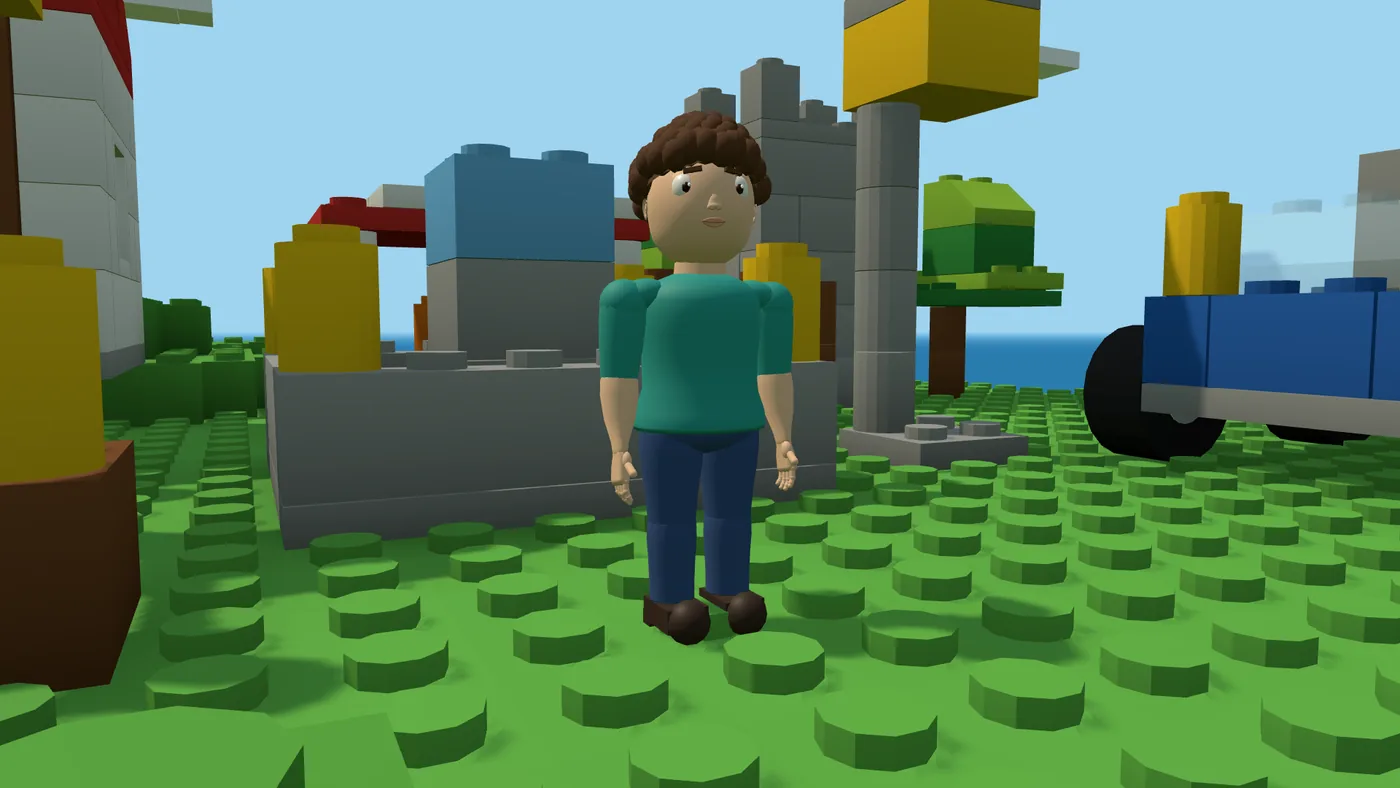
- Ten hair styles, with skin, hair colour, shirt and trousers to match, for the little person who walks, runs and jumps through it all. Tap Jump for a hop, or hold it to jump higher.
Someone to build for
Your world isn't empty. Folk live near where you start and have things they wish for, there are toys to build and play with and chests to find, and out on an Endless world there are whole villages.
-
Folk with wishes
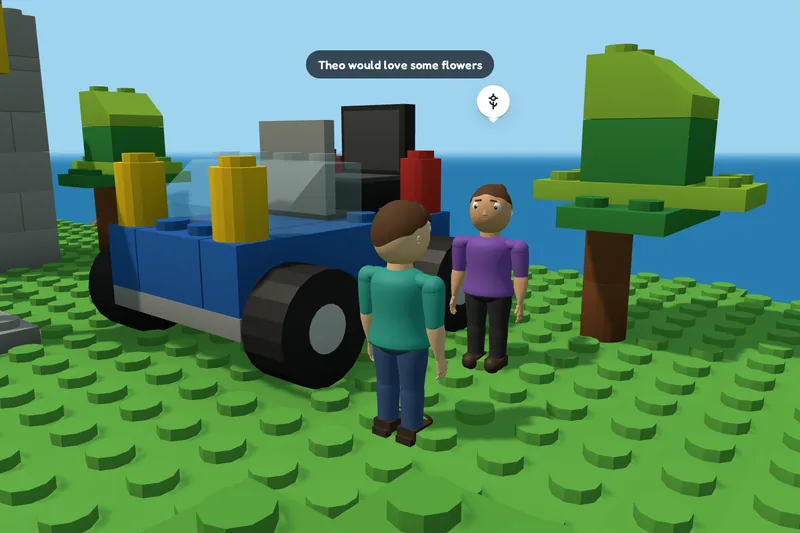
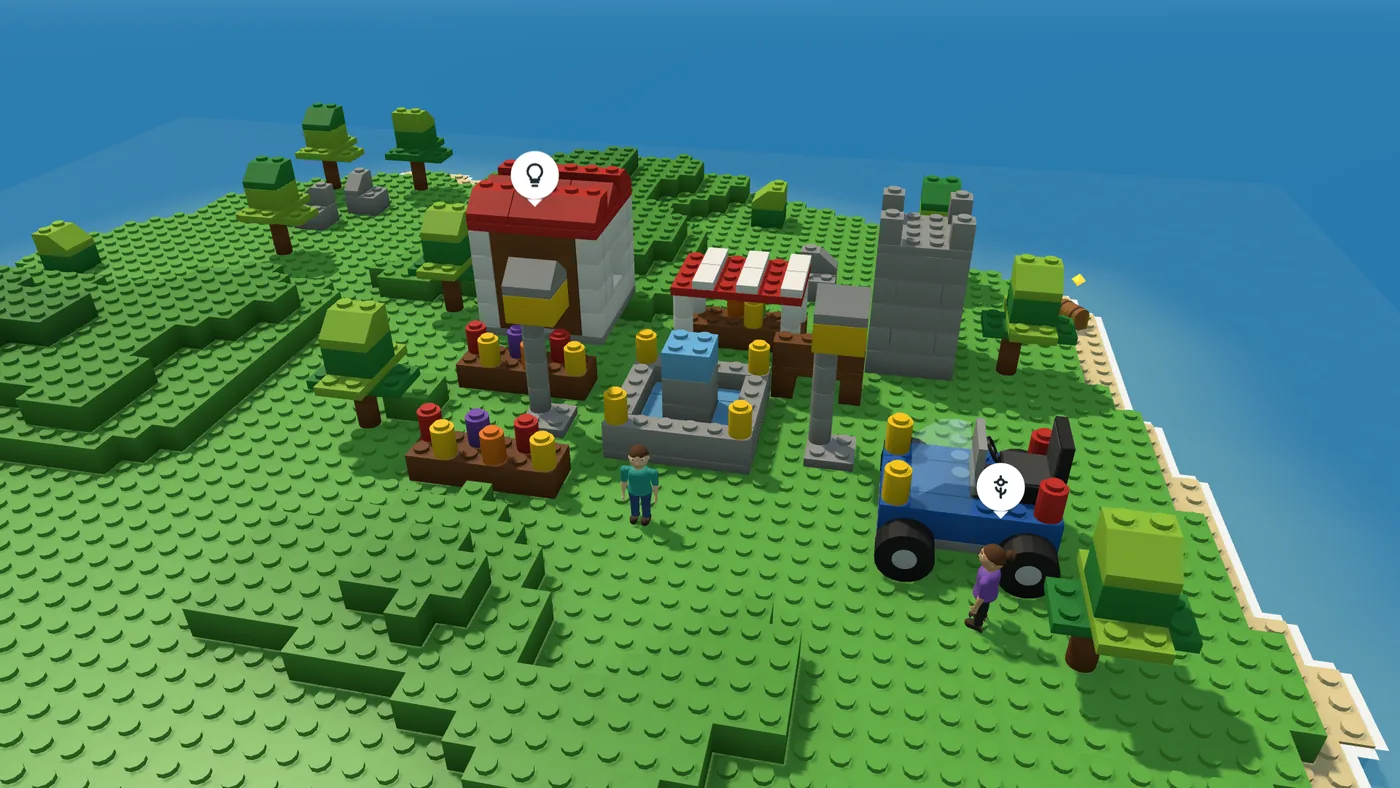
Three folk live near where you start, each with a wish in a bubble over their head: somewhere to sit, a light, flowers, something tall, a roof, something with wheels or a boat. Build anything near them that fits and they go and use it, then wish for the next thing.
-
Toys and rides
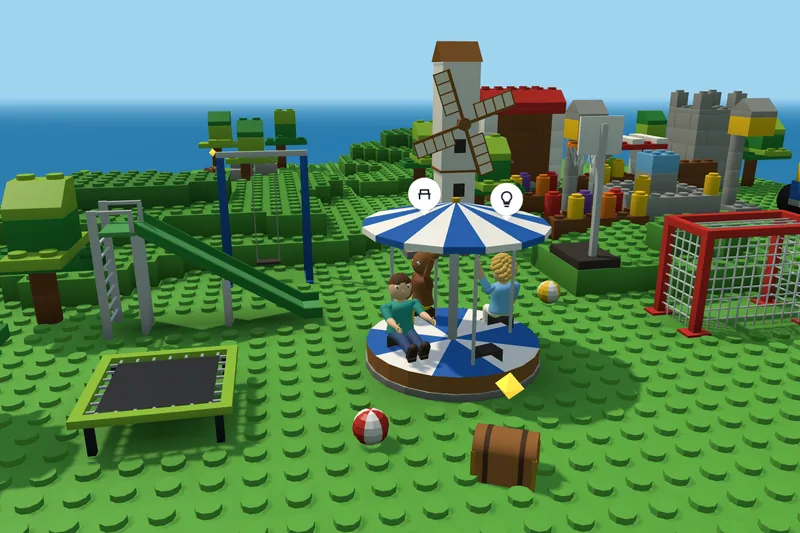
In Parts there's a slide, a swing, a seesaw and a merry-go-round: one of the folk nearby sits on the other end of the seesaw, and up to two ride the merry-go-round with you. A trampoline bounces you higher if you jump as you land, there's a goal to kick a ball into and a hoop to throw it at, and a windmill whose sails turn on their own.
-
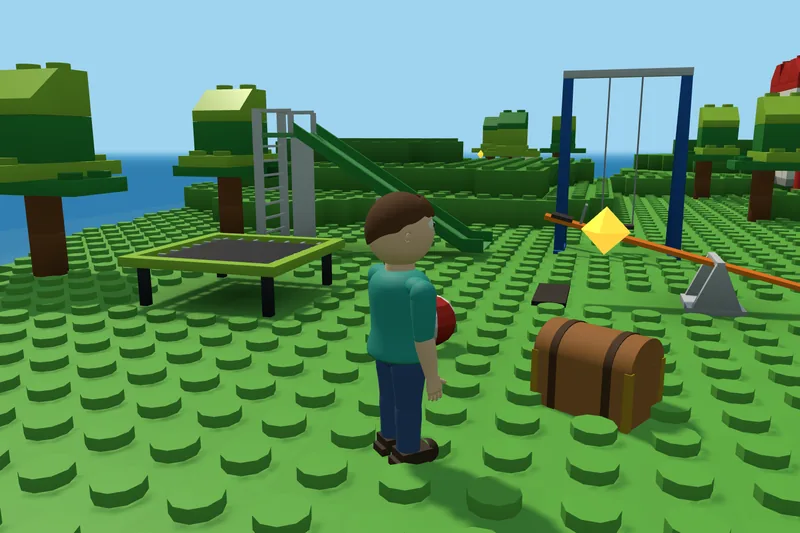
Chests to find
A gold glint marks a chest. Walk up to it and it opens, and a new piece goes into your tray for every world: a flag that waves, a lantern, a palm, a snowman, a trophy and more, fourteen in all.
-
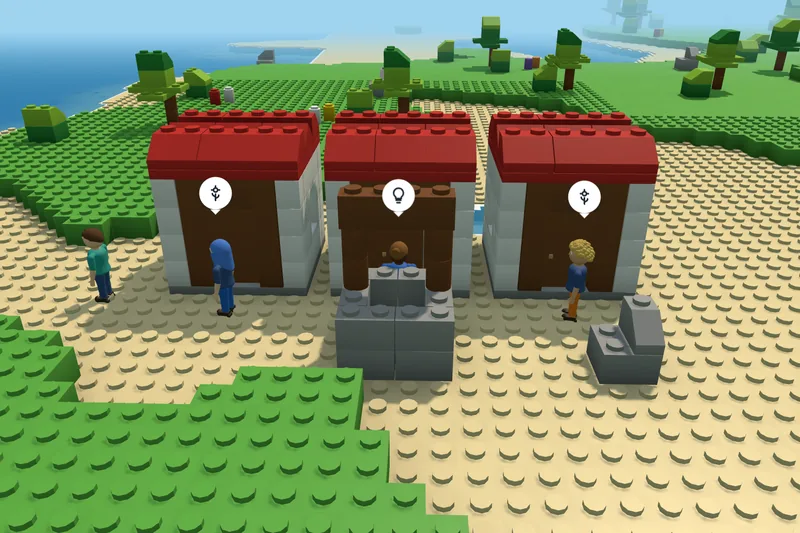
Villages out there
Head out across an Endless world and you come to villages, each with a name, like Coldridge or Brambleby: three houses in a row with a well in front, and three folk by the doors with wishes of their own. A compass points the way home, and the map shows the villages round you.
From the game
Every picture here was taken in the game itself.
Pick a world to build on
You start on the Island, or in Endless if you pick it on the opening card. From Worlds, pick another kind: snow, desert, open water, a flat baseplate, a bigger island, or a world that keeps going. Each one is saved as you build.
-
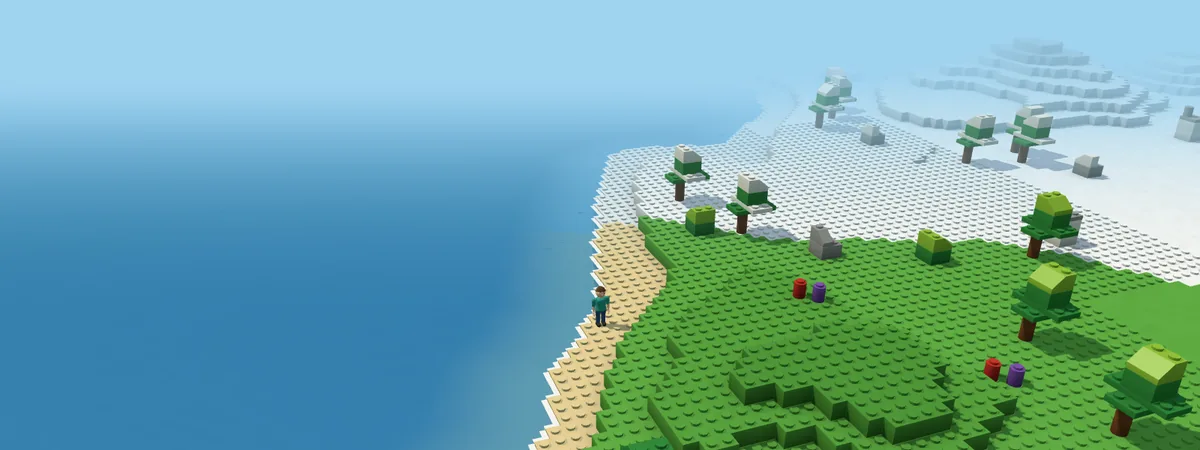
Endless
Green country, snow and desert in one world, with lakes and seas between and villages further out. The land is made as you go, so there is always more past the next hill.
-
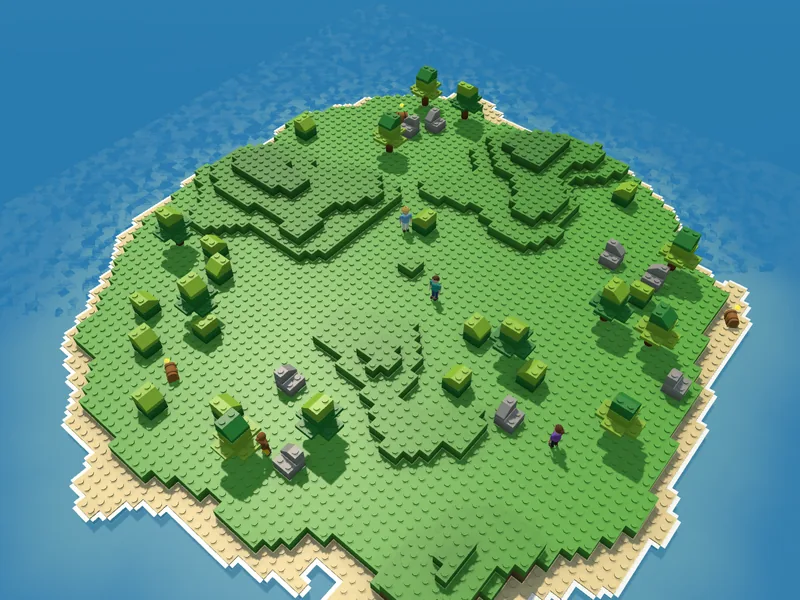
Island
Where Start building puts you: terraced hills, trees, beaches and the sea all round.
-
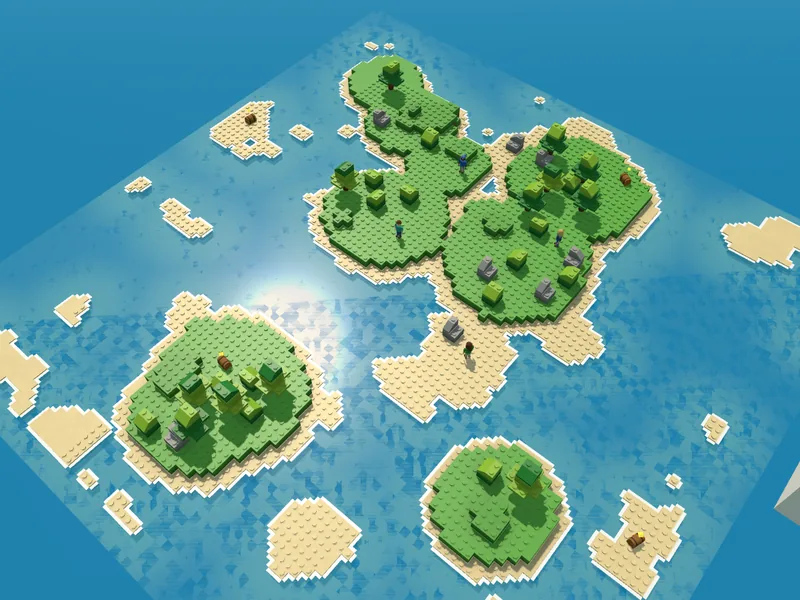
Islands
Small islands across open water. Wade between them, or build a boat and sail.
-
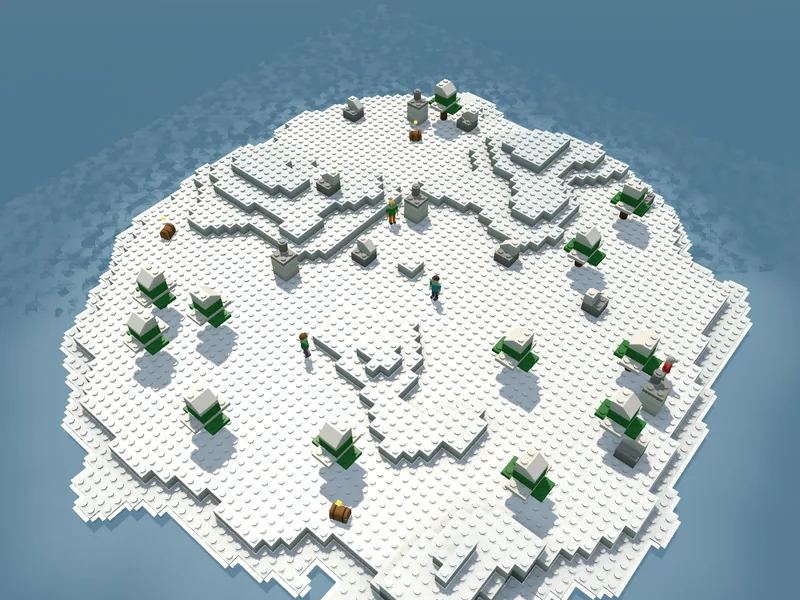
Snowy island
The Island under snow, with white-topped trees, snowy rocks and a few snowmen.
-
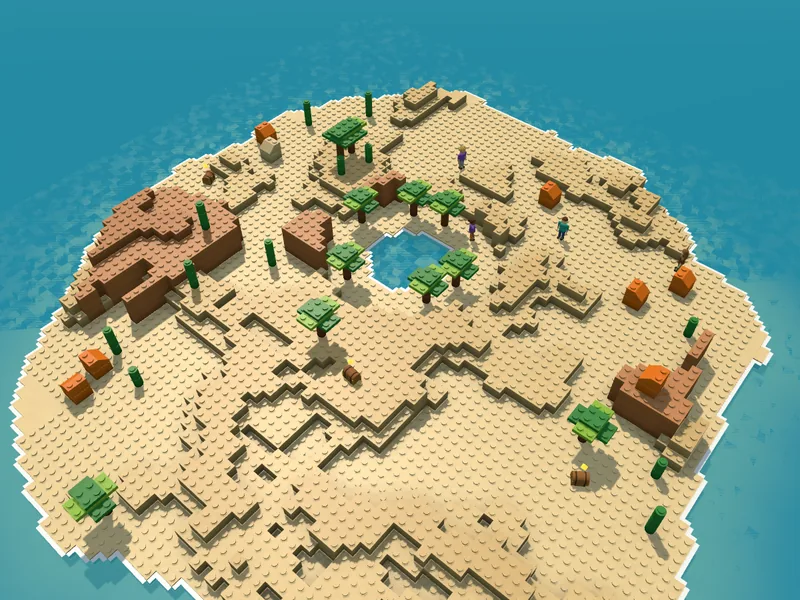
Desert
Sand, dunes and mesas round an oasis, with palms and cacti.
-
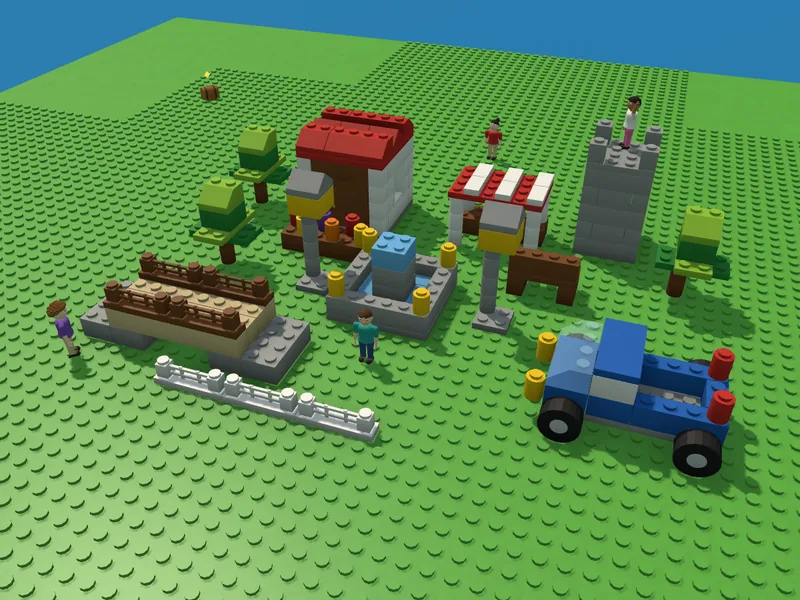
Baseplate
Flat grass to every edge, with no trees or rocks: only the folk, a few chests and what you build.
-
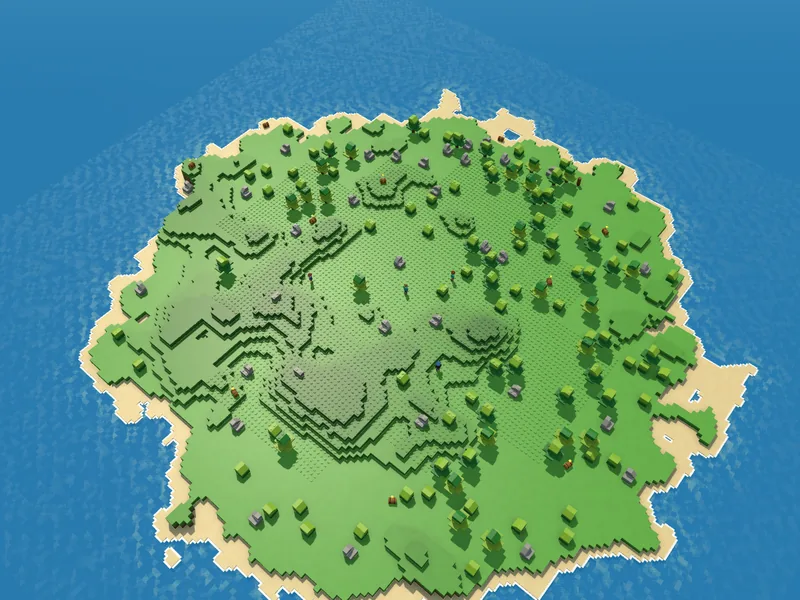
Big and Huge islands
The Island again, twice as wide and more, with room for a city.
-
Several at once
Keep a few worlds going and switch between them from Worlds. Each is saved as you build.
What's new
The latest build notes, as they appear on Launchway Games.
- Build 48
Who nose what changed? Everyone has a new nose, a proper pair of ears, and hands with real fingers that wave hello from a smooth new wrist.
- Build 45
Leg day paid off! Your builder stands taller in the legs, in a looser shirt, with a smaller head and a brand new pair of lips.
- Build 44
Think pink! Six fresh colours for your bricks, from Pink and Teal to Navy, Dark red, Dark green and Dark grey.
Good to know
- Your worlds stay with you
- Worlds are kept in the browser you play in, and the app keeps its own. In Worlds, Save a copy puts the one you're in into a file, and Open a copy brings it back: in the app, on this device or on another.
- Touch, mouse or keys
- Touch to place, slide to turn the view, pinch to zoom. On a computer, Tab switches to walking: then W A S D or the arrows walk, Shift runs, Space jumps (hold it to jump higher) and E drives, sails or rides. In an Endless world, N opens the map.
- As an app
- Put Stackabout on your home screen or desktop and it opens in a window of its own, and plays without a connection once you have played it.
- On an iPhone or iPad: tap Share, then Add to Home Screen.
- Older tablet?
- Set Detail to low in the menu and the game draws less at once, which helps an older device keep up.
For studios, venues and portals
Stackabout is made by Launchway Games. It runs as a single file in the browser, with no account and nothing sent from the device. For a shared screen in a lobby or a waiting room, a kiosk setting saves nothing on the device, and a room setting keeps one world for everyone who stops by, going back to its start card when left alone and starting fresh each week. It is available to license.